What's on my desk (September 2026)
A list of the AI tools I use every day, and what each one is good for.
This isn’t a review and it isn’t a recommendation. It’s a list of the tools I use every day, with a note or two on each. It’ll be out of date by Christmas, which is sort of the point.
The agents
Claude Code is the main tool. Terminal-first, which suits me. Most of the value isn’t the model, it’s what sits around it: a CLAUDE.md (or AGENTS.md, or whatever the tool calls it) in each project that says how things are done here, skills for jobs I repeat, and MCP servers that connect it to the tools I already use. A browser plugin handles browser testing.
Codex is the second opinion. For bigger builds I split the roles. One model writes, a different model reviews, and it loops until the reviewer says pass. Two models checking each other catch things that one model checking itself won’t. It has browser plugins for testing too.

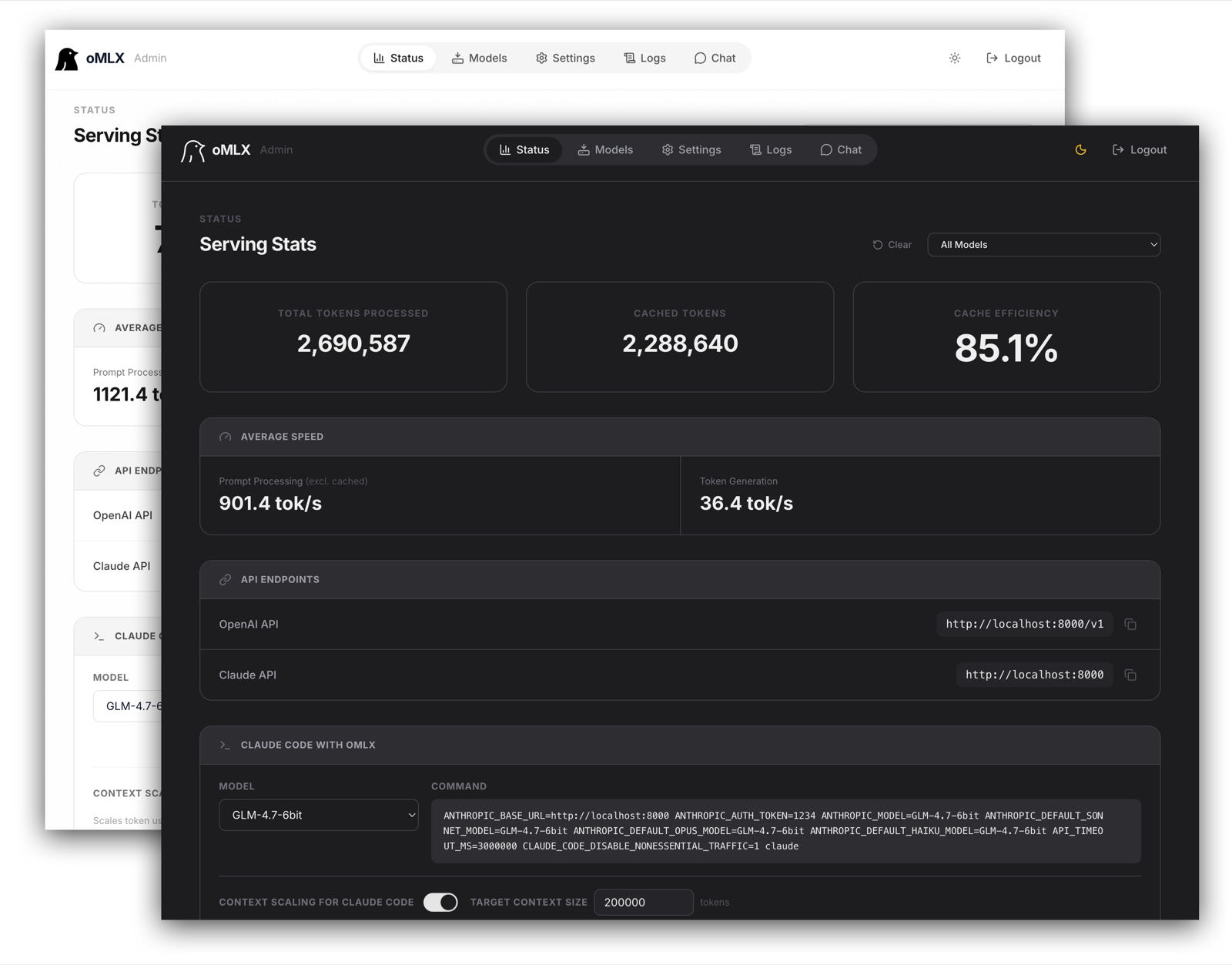
A local model for private work. I’ve settled on Qwen3.8-27B (MLX, 6-bit) running in oMLX. It’s capable, it handles a large context window, and it matters for privacy-focused clients: their data gets worked on without ever going to a cloud provider.
The desk itself
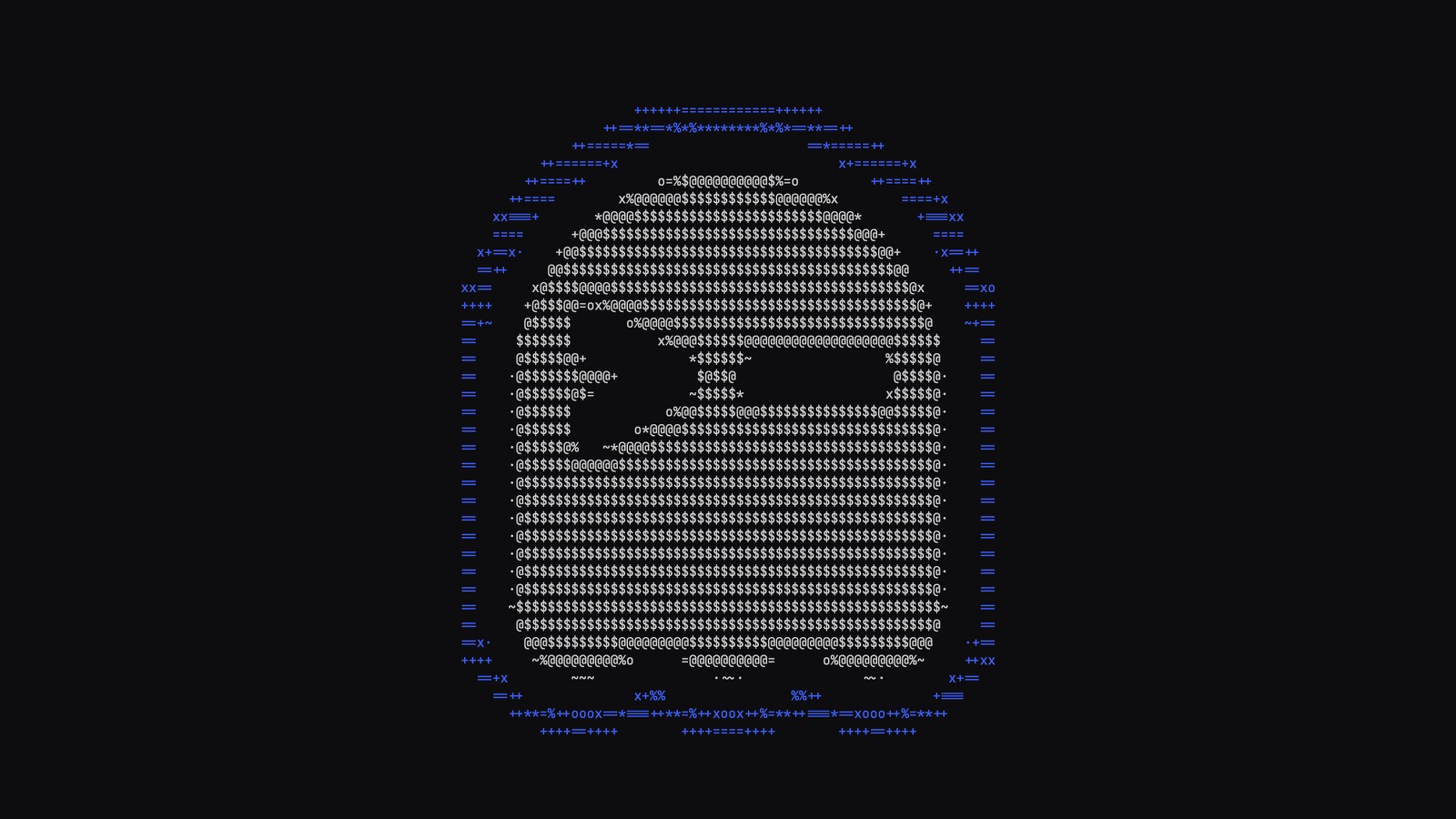
Ghostty replaced iTerm2. The agents live in the terminal now, and a lot of them draw full-screen TUIs: panels, progress bars, diffs, menus. Ghostty is fast and renders all of that cleanly. It’s also designed to work out of the box with no configuration, and it does. I installed it and got on with things.
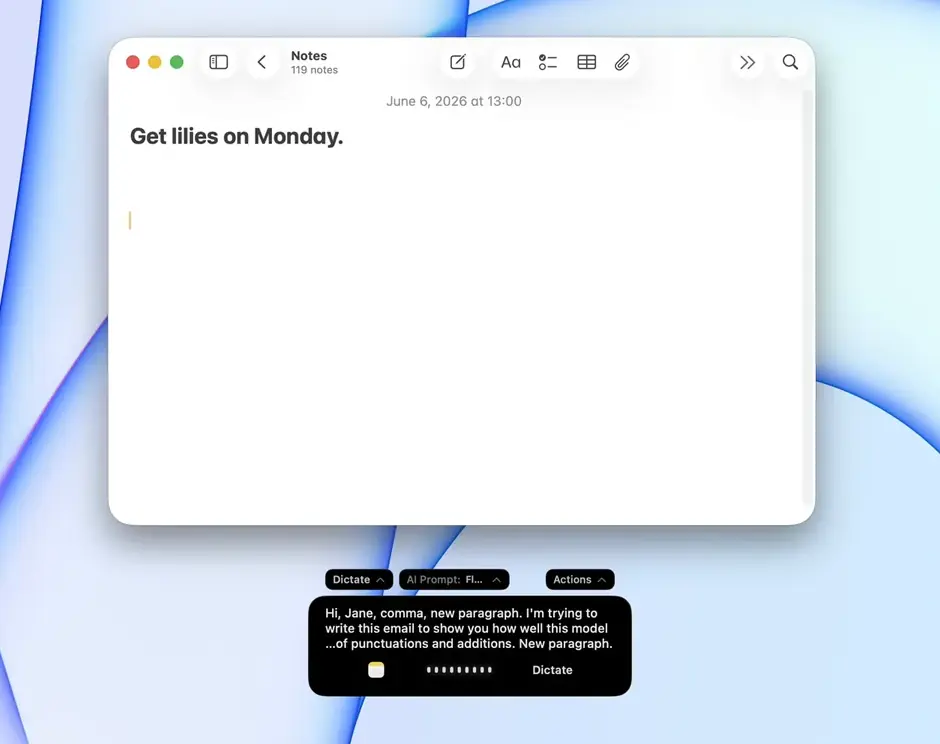
Talking instead of typing. I’ve started using voice a lot more, on the computer and the phone. ChatGPT’s real-time voice was the first time talking to a model felt like a conversation. Then Claude’s voice modes.
FluidVoice, running locally. Now it’s FluidVoice on the Mac: press a hotkey, talk, and the text lands in whatever app has focus, agent prompts included. The transcription runs on the machine, so nothing leaves it. For a long, rambling prompt, talking beats typing by a mile.
Memory and context
Atomic is the memory. Notes, research, briefs, half-formed ideas. The agents search it before they answer, so I’m not re-explaining the same context every session. We share the databases across developers, so it’s becoming the 2050 brain. This post started life as an atom.
RAG, a few different ways. For retrieval-augmented generation we’ve built on Supabase, plain Postgres with pgvector, and SQLite with a vector extension (sqlite-vec) for small, local setups. We’ve also tested Qdrant. My default now is pgvector: one database, nothing to keep in sync, and only move to something specialised when it measurably hurts.
CLAUDE.md and memory files. Small, boring, and the thing that makes the biggest difference. “We use pnpm.” “Don’t touch the payments module.” “Client names stay off the website.” Write it down once and it stops coming up.
Plugged into everything else
MCP servers, APIs, CLIs and webhooks: the agents connect to wherever the work already lives.
Trello for the brief. The agent reads the card and its acceptance criteria before it starts. Less “I assumed you meant”, more “the card says”.
Slack and Teams for catching up. A digest of the channels I missed, or a draft of my standup from what I actually did. I still read it before it goes anywhere. We’ve built Slack and Microsoft Teams integrations for clients too, so updates land in the channels people already watch.
Markdown for everything. Specs, plans, research and notes are all markdown. People can read it, git can diff it, and it’s what LLMs read best. When I share a spec with a client, they can drop it straight into their own AI tools.
Side projects
This website. Built in Astro with Claude Code and Hermes, and posts drafted in Atomic first. The site is its own test bed.
Old projects, brought back. Things I built years ago and let rot get revived on podocarp.nz. Reviving a dead codebase is a very good way to find out what an agent actually understands.
And some for fun. An MCP server that lets a model arrange loops into a full track in Ableton Live. A Minecraft server on the Hermes box that the agent set up in one go. Neither is client work, and both are surprisingly good tests.
A few things I’ve learned setting all this up:
- Don’t copy someone else’s setup. Try things, keep what works, delete the rest. Your
CLAUDE.mdis yours to edit. - The setup around the model matters more than the model. Memory, tests, a second reviewer, a browser check.
- Everything on this list gets things wrong. The point of the setup is to catch it before a client does.
Ask me again in three months. Half of this will have changed.